Your waiter can't be at every table. Your website can.
A QR table system for guests, kitchen and staff. Guests scan, order and pay from their phone. Your kitchen and waiters see it all live, with your own name, logo and menu.
The demo uses a sample restaurant and a demo payment screen. No real money moves, and it resets every hour.
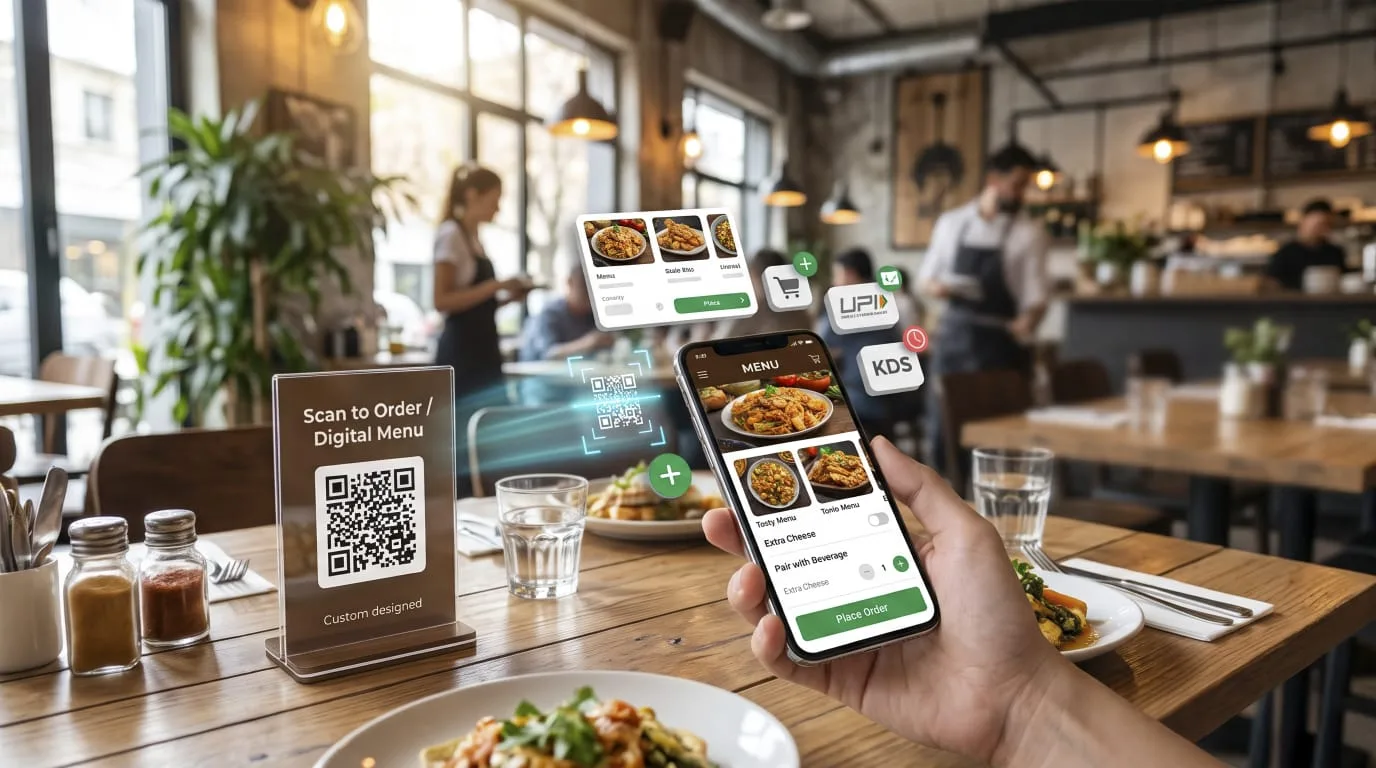
How it works for your guests
- 1
Scan
Guests scan the QR on the table and see the full menu with allergens, spice level and sizes.
- 2
Order
Orders go straight to a live kitchen display. No paper tickets, no shouting across the pass.
- 3
Wait
Guests see order status and get your Wi-Fi details while they wait.
- 4
Call
One tap calls the waiter, and staff see it on a live floor map of every table.
- 5
Pay
Split the bill, add a tip, and pay by cash, bank transfer, card, Apple Pay or Google Pay.
- 6
Review
Happy guests leave a Google review in one tap.
Try it in two minutes
- Open the live demo on your laptop.
- Scan the QR on the screen with your phone and place an order.
- Watch it appear on the kitchen screen, then move it to cooking and ready.
- Tap "Call waiter" on your phone and watch the floor map light up.
Set up on your own menu
We set it up with your restaurant name, logo, colors and menu, print your table QR codes, and show your staff how it works.
Reply on WhatsApp