Boost Post vs. Lead Ads: Which One Brings Real Customers?
The Boost button is quick, but it's built for reach and engagement. If you want calls and enquiries, a lead campaign in Ads Manager gives you far more control.

By Nitin Patil, founder of Gaur Kripa Digital
· 2 min read
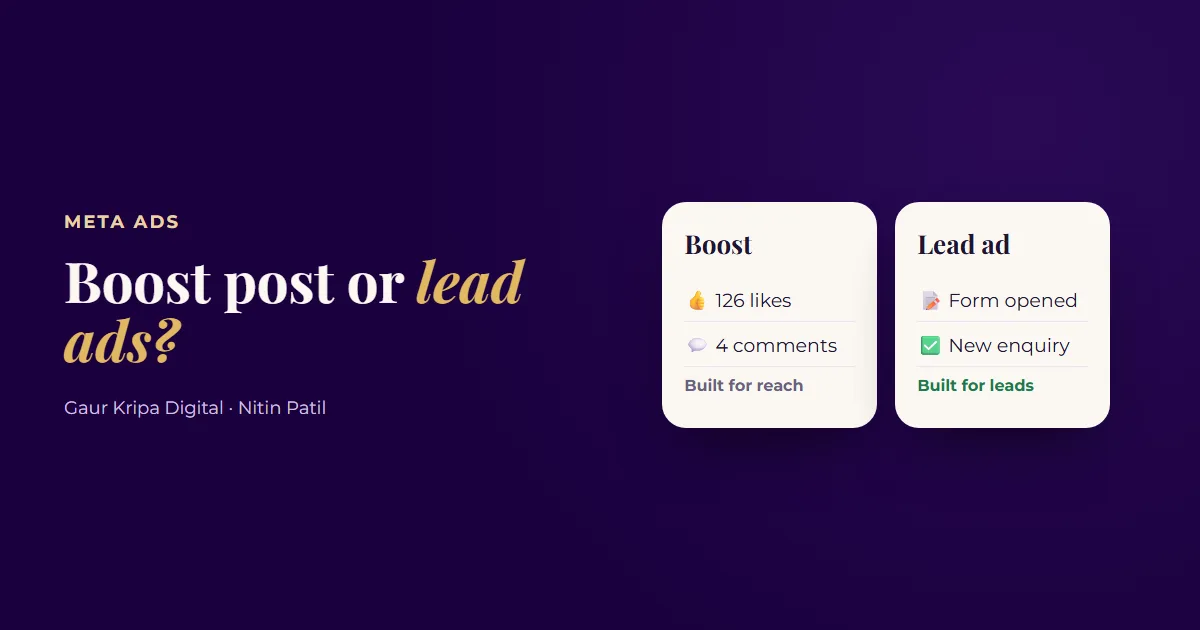
"Boost post" is the blue button under every Facebook and Instagram post. It's the easiest way to put money behind your business, so most owners start there. Then they see lots of likes, a few new followers, and not many phone calls.
That isn't bad luck. Boosting and lead campaigns are built for different jobs.
What boosting is good at
Boosting takes a post you've already published and shows it to more people. You pick a simple goal, an audience, a budget and a duration, and it's live in a minute. That makes it handy for:
- An event or a limited-time announcement
- Getting a strong post in front of more local people
- Building some early awareness for a new business
What a lead campaign does differently
A lead campaign is set up in Ads Manager with the Leads objective. You tell Meta exactly what you want: people who will fill in a form, call or message. You also get the controls that make that work:
| Boost post | Lead campaign in Ads Manager | |
|---|---|---|
| Goal | A few simple goals | Leads objective, optimized for enquiries |
| Where people respond | Usually your page or post | Instant form, website, call or Messenger |
| Creative | The post as it is | Purpose-built ads, several versions to test |
| Testing | Limited | Multiple ads and audiences side by side |
| Tracking | Basic | Leads Center, Pixel and Conversions API |
| Best for | Awareness and engagement | Calls and enquiries |
Which should you use?
If your goal is customers, run a lead campaign. Write two or three ads using the 3-line ad copy formula, use an instant form with two or three questions, and make sure someone replies to every lead within minutes. Our post on replying to every lead in under a minute explains why that last part matters so much.
Need ad copy for the switch? The Local Ads Swipe File has 100 ready lead ads for local businesses.
Keep boosting for the occasional announcement, but don't judge it on likes. Whatever you run, compare it on cost per lead.
A simple switch-over plan
- Pause regular boosting for a month.
- Put the same budget into one lead campaign with two or three ads.
- Track every lead and whether it became a customer.
- At the end of the month, compare cost per customer with what boosting used to bring in.
Setting up lead campaigns properly is exactly what our Facebook and Instagram ads management does, with free lead follow-up setup included. Not sure what's happening in your account now? Get the free ad account audit.
Frequently asked questions
Is boosting a post a waste of money?
Not always. It's fine for getting a post in front of more people, like an event or an announcement. It's usually not the best tool for steady enquiries.
Do I need a website for lead ads?
No. Meta's instant forms let people send their details without leaving Facebook or Instagram. A website landing page is an option, not a requirement.
What budget do I need for lead ads?
Enough to get a reasonable number of leads each week, so the system can learn. Work it out from your goal using cost per lead.
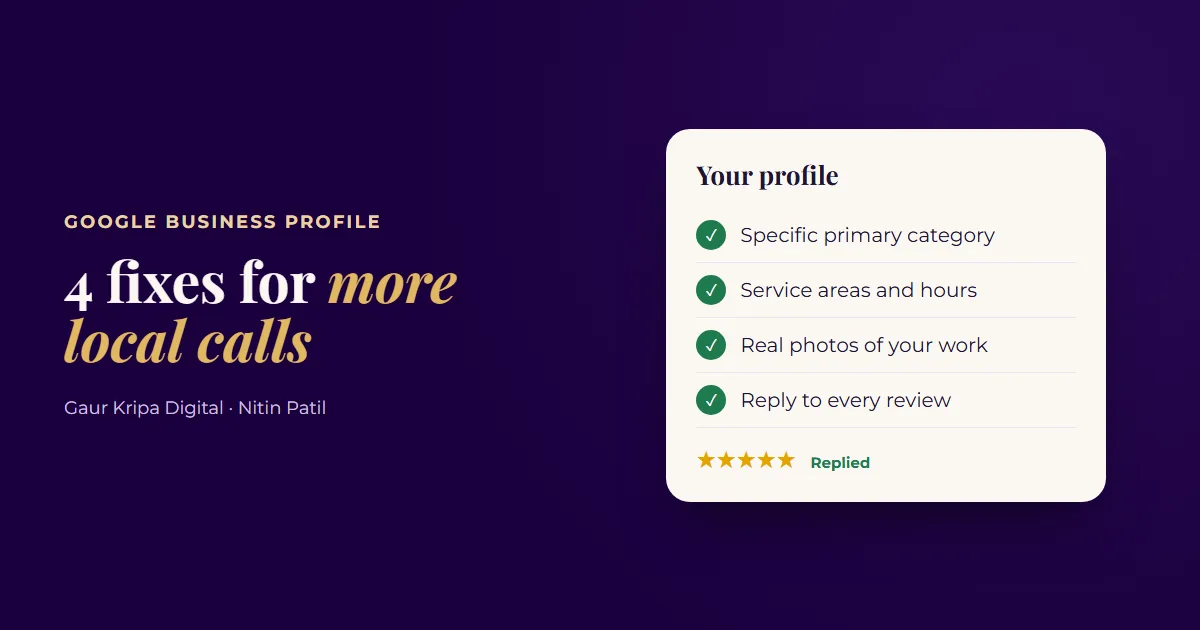 4 Google Business Profile Fixes for More Local Calls
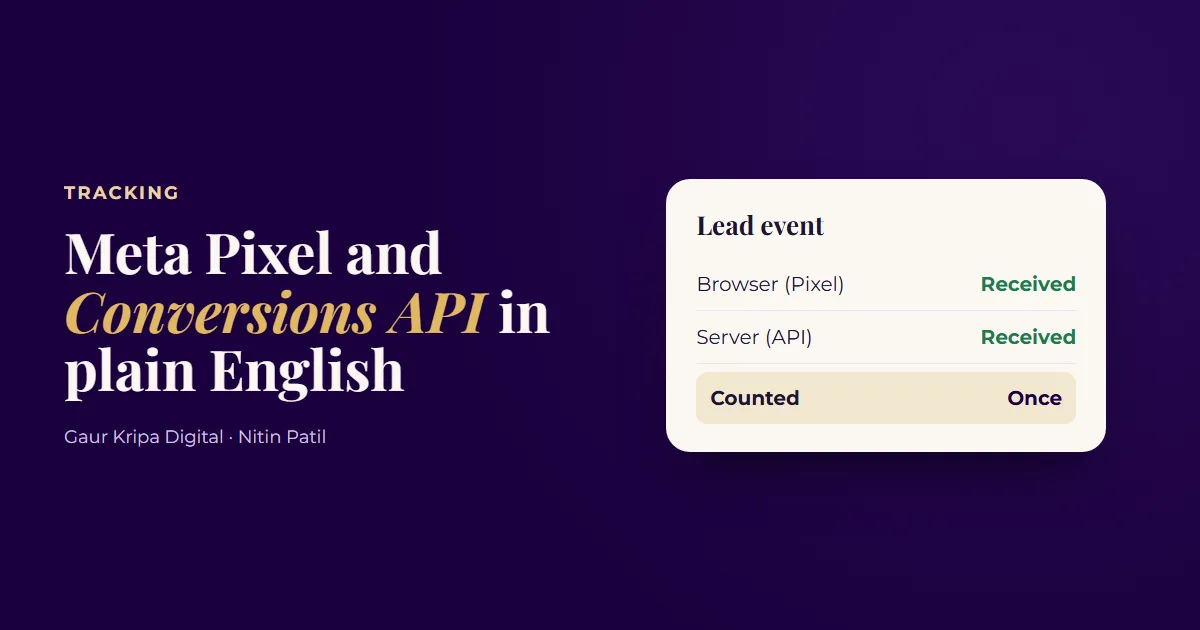 Meta Pixel and Conversions API in Plain English
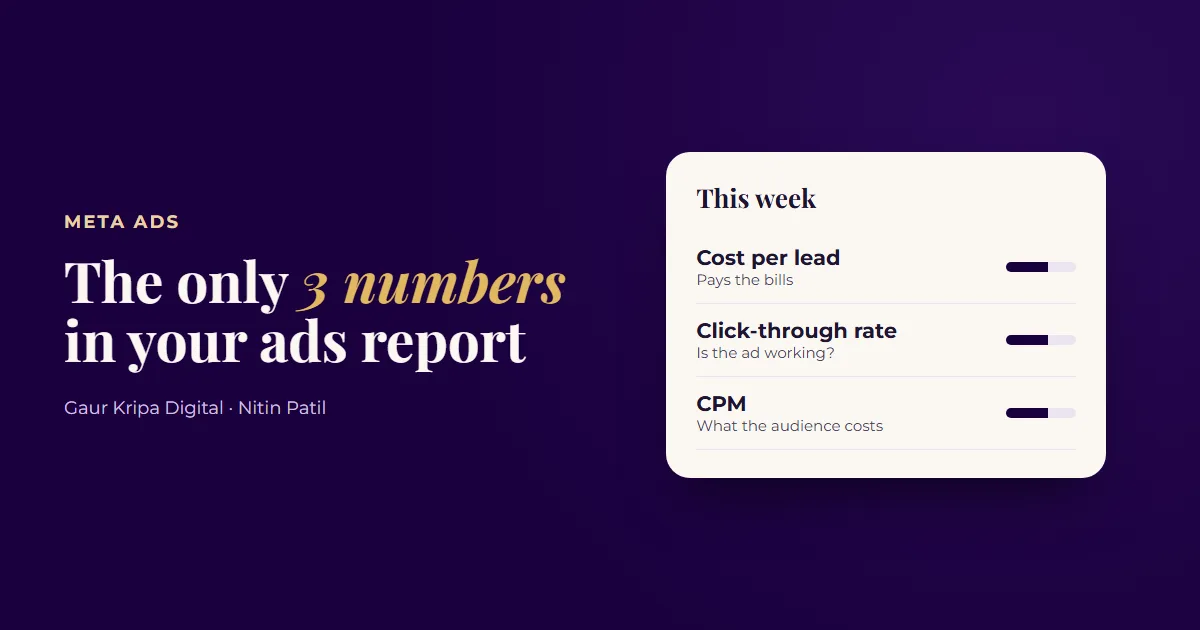 Your Meta Ads Report: The Only 3 Numbers That Matter