Meta Pixel and Conversions API in Plain English
What the Meta Pixel and the Conversions API do, why using both helps your Facebook and Instagram ads, and how to check yours is working.

By Nitin Patil, founder of Gaur Kripa Digital
· 5 min read
If you run Facebook or Instagram ads, someone has probably told you to "install the Pixel" and "set up Conversions API". It sounds technical, but the idea is simple, and getting it right changes how well your ads work.
The short answer: the Pixel and the Conversions API are two ways of telling Meta what people did after clicking your ad. Using both gives Meta a more complete picture, and a more complete picture helps it find more people likely to become your customers.
What the Meta Pixel does
The Pixel is a small piece of code on your website. When a visitor lands on a page, fills in a form or books a call, the code runs in their browser and reports it to Meta: "someone from this ad just submitted a lead."
That report is called an event. Common ones for a local business are:
- PageView: someone opened a page.
- Lead: someone submitted a form or asked for a quote.
- Contact: someone clicked your phone number or messaged you.
- Schedule: someone booked an appointment.
Meta uses these events in two ways. They show you in reports which ads bring leads, and they teach Meta's system what a good result looks like, so it can show your ads to more people like the ones who converted.
Where the Pixel falls short
The Pixel depends on the visitor's browser. That is fragile, because:
- Some browsers limit tracking and cookies by default.
- Ad blockers and privacy tools can stop the Pixel code from running.
- A visitor might close the page before the event is sent.
- Some people decline cookies on your consent banner.
When any of those happens, a real lead may never be reported. Meta sees fewer results than you actually got, which makes your ads look worse than they are and gives the system less to learn from.
What the Conversions API does
The Conversions API (often shortened to CAPI) sends events to Meta from your own server, not from the visitor's browser. When your website receives a form submission, your server can tell Meta directly: "a lead just came in."
Because nothing depends on the browser, blockers and browser limits do not get in the way. It can also pass along details you already have with the lead, such as email or phone number. Meta requires these to be hashed, a one-way scramble applied before sending, so Meta can match the event to a person without your sending the plain text.
Why use both
Meta recommends running the Pixel and the Conversions API together. They cover each other's gaps:
| Pixel | Conversions API | |
|---|---|---|
| Runs in | The visitor's browser | Your server |
| Affected by blockers and browser limits | Yes | No |
| Good at | Page views and on-site behaviour | Confirmed actions like submitted leads |
| Set-up | Usually a snippet or plugin | A built-in integration or developer work |
Used together, most events arrive by both routes, and the server copy fills in when the browser copy is lost.
Deduplication: why leads are not counted twice
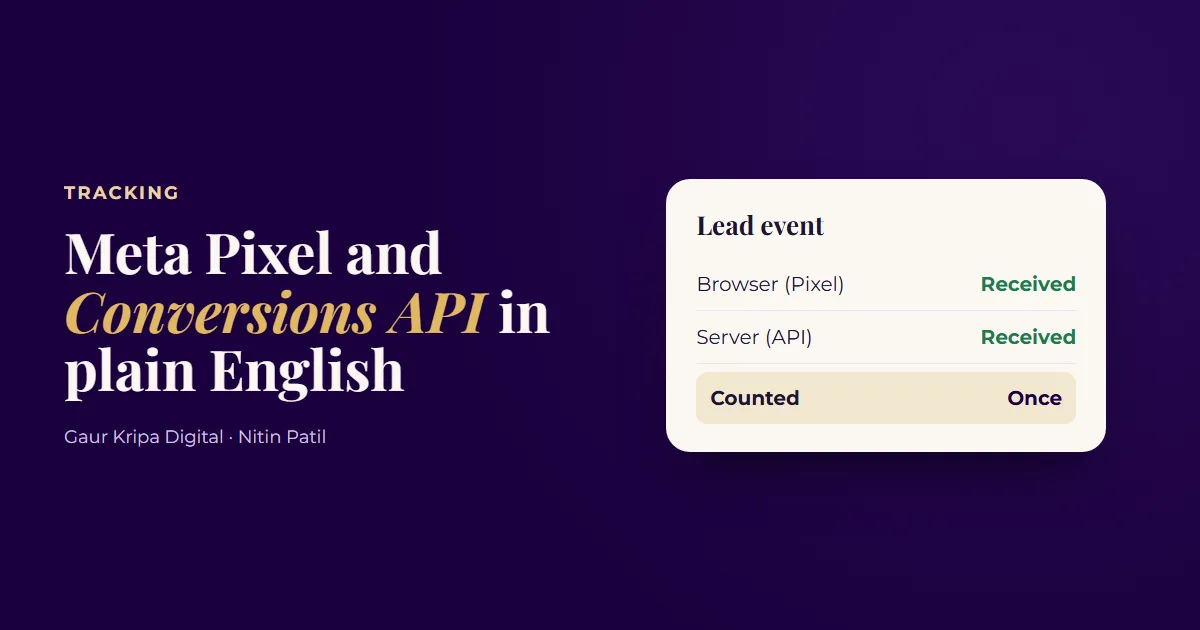
If both routes report the same lead, Meta has to know it is one lead, not two. That is deduplication. It works when the Pixel event and the server event share the same event name and the same event ID. Meta then keeps one and discards the duplicate.
This is the most common thing to get wrong. If the IDs do not match, you can end up with double-counted leads and misleading reports, so test it (steps below) instead of assuming.
What this does for your ads
Better data helps in three practical ways:
- Reporting you can trust. Your lead count matches reality more closely, so cost per lead is believable. Our guide to the 3 numbers that matter in a Meta Ads report assumes the counts are right.
- Better targeting. Meta learns from your real leads and finds more people who behave like them.
- More signal for small budgets. When a campaign gets few results, every missed event slows learning. Capturing them helps.
None of this replaces a good offer, honest creative and a fast reply. Tracking measures your ads. It does not rescue a weak one. See the 3-line ad copy formula for the ad itself, and replying to every lead in under a minute for what should happen next.
How to set it up
The route depends on how your website is built.
- Make sure you own the accounts. Your Meta Business account, ad account and Pixel should belong to you. Give an agency partner access instead of letting them own it.
- Install the Pixel. Most website platforms have a built-in field or a plugin that takes your Pixel ID.
- Connect the Conversions API. Many platforms, plugins and tag managers offer a built-in or partner integration, which is the easiest option. A custom site needs a developer to send events from the server.
- Send the events that matter. For a lead-generation business that means Lead (and Contact or Schedule if you use them), not just page views.
- Match event names and IDs across both routes so deduplication works.
- Respect consent and privacy. Show a cookie or consent notice where required, and say in your privacy policy what you collect and share.
How to test that it works
You can check this yourself in a few minutes.
- Open Events Manager in your Meta Business account and choose your Pixel or dataset.
- Open Test Events and enter your website address. Meta gives you a test code.
- In another tab, visit your site and submit a real test lead.
- Back in Test Events, look for the Lead event. You should see it arrive from the Browser and from the Server, and Meta should show that it was deduplicated.
- Check the event match quality score for your key events. A higher score means Meta can match more events to real people.
- If an event is missing, duplicated or has a low match score, fix it before you raise your budget.
Do this again after any change to your website, form or consent banner. Updates often break tracking quietly.
Mistakes that cost you results
- Pixel only. You lose events whenever a browser or blocker stops it.
- No deduplication. Leads are counted twice and the numbers mislead you.
- Tracking page views instead of leads. Meta then learns to find visitors, not enquiries.
- Never testing. A form change can break tracking without any warning.
- Letting someone else own the Pixel. If you part ways, you lose your history.
If you would rather not do this yourself, Meta Ads management includes Pixel and Conversions API set-up in week one, in your own account, so the data stays with you. You can also ask for the free ad account audit and we will check how your tracking is set up.
Frequently asked questions
Do I need both the Pixel and the Conversions API?
Meta recommends using both together. The Pixel alone can miss events when a browser or blocker stops it, and the Conversions API sends the same events from your server to cover those gaps.
Will using both double-count my leads?
Not if it is set up with deduplication. Each event carries the same event name and event ID from both routes, and Meta keeps one.
Is the Conversions API hard to set up?
It depends on your website. Many platforms and plugins offer a built-in connection, which is the simplest route. A custom site needs a developer, or a partner who has done it before.
Does this affect my privacy policy?
Yes. If you send customer details to Meta, your privacy policy should say what you collect and share, and your cookie or consent set-up should respect the rules where your visitors live.
How do I know it is working?
Open Events Manager, use Test Events on your website, submit a test lead, and check that the event arrives from both the browser and the server and is marked as deduplicated.
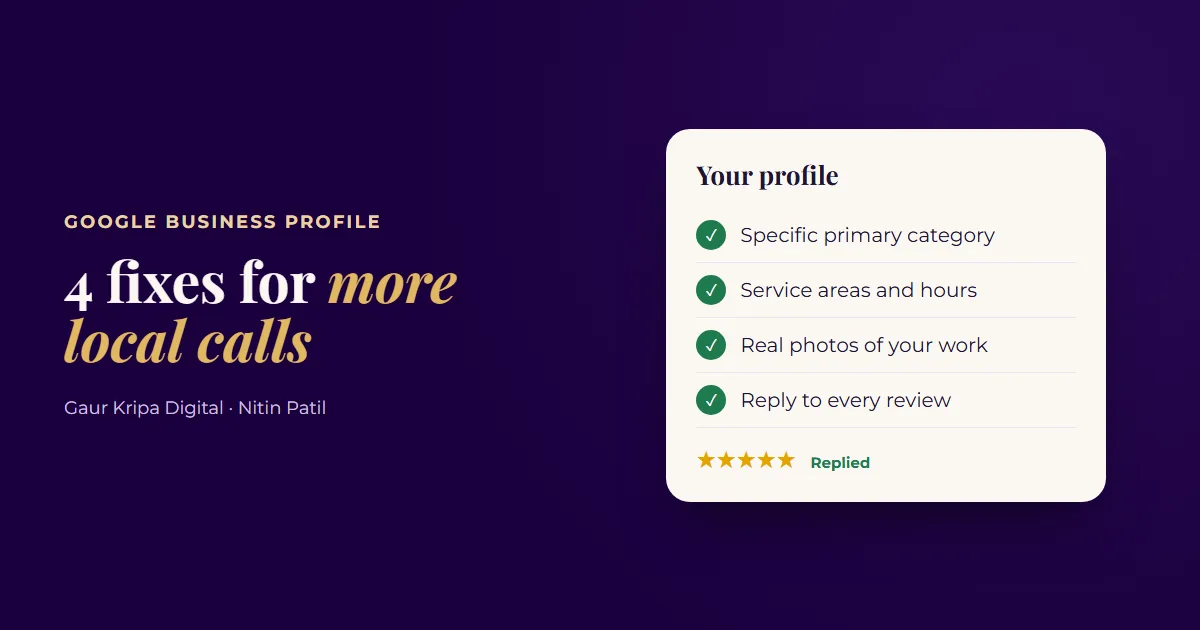 4 Google Business Profile Fixes for More Local Calls
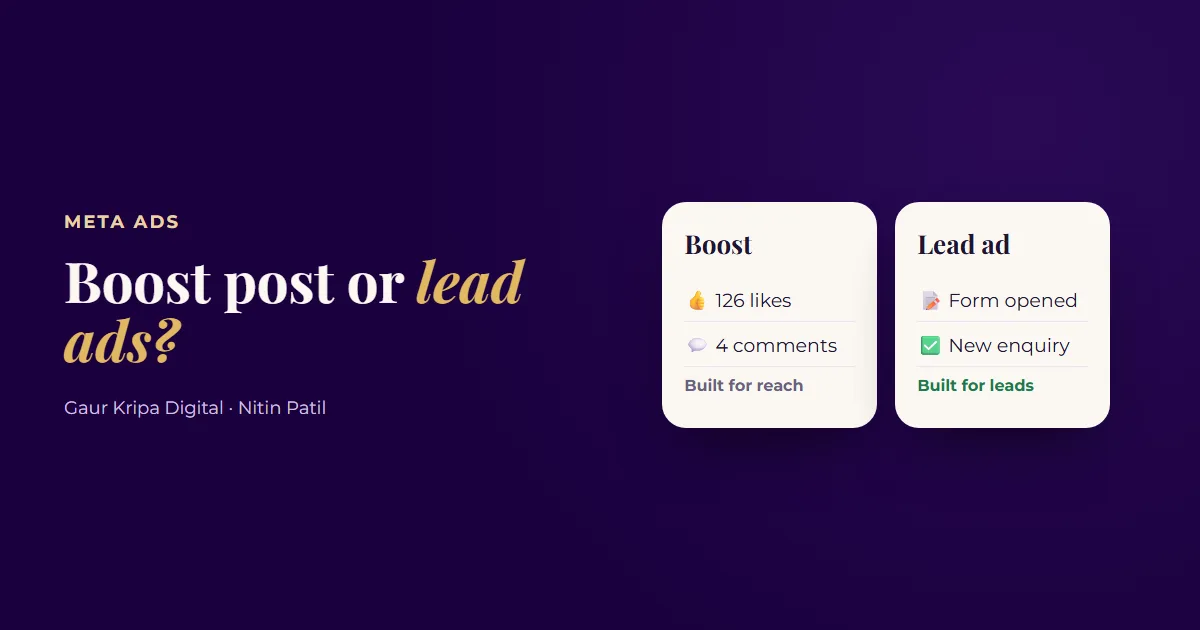 Boost Post vs. Lead Ads: Which One Brings Real Customers?
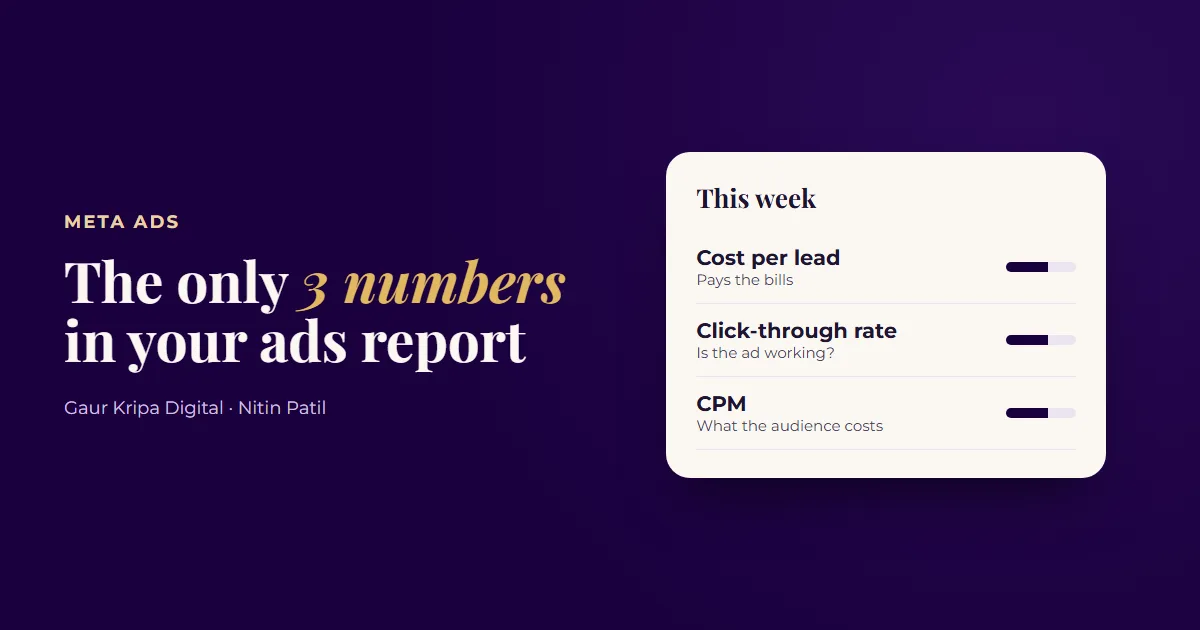 Your Meta Ads Report: The Only 3 Numbers That Matter