4 Google Business Profile Fixes for More Local Calls
Your Google Business Profile is often the first thing a local customer sees. Four fixes that take under an hour: the right category, real service areas and hours, real photos, and replies to every review.

By Nitin Patil, founder of Gaur Kripa Digital
· 3 min read
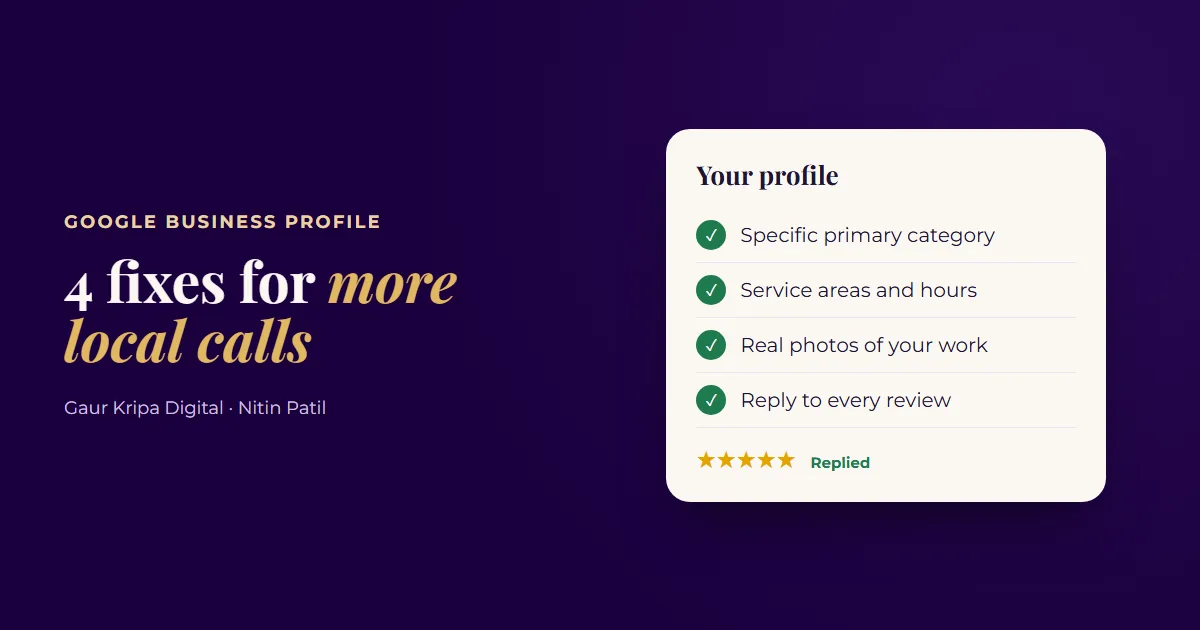
When someone searches "plumber near me" or "dentist in Dallas", the first thing they see is often not a website but a map with three businesses on it. Those businesses are shown from their Google Business Profiles.
Google says local results depend mainly on three things: relevance (how well your profile matches the search), distance (how close you are), and prominence (how well known and well reviewed you are). You can't move your office closer to every customer, but you can do a lot about the other two.
Here are four fixes that take less than an hour.
| Fix | Where in your profile | Time |
|---|---|---|
| 1. Most specific primary category | Edit profile → Business category | 5 minutes |
| 2. Real service areas and hours | Edit profile → Location and areas, Hours | 10 minutes |
| 3. Real photos of your work | Add photo | 20 minutes |
| 4. Reply to every review | Read reviews | 10 minutes a week |
1. Pick the most specific primary category
Your primary category tells Google what you are. It's one of the strongest signals for which searches you show up in.
Choose the most specific option that describes your main service. Plumber, not "Contractor". Pediatric dentist, not just "Dentist", if that's what you do. Then add a few secondary categories for other real services you offer, but only ones that are true.
2. Add your real service areas and hours
If you visit customers, list the towns or areas you actually serve. A service-area business can hide its street address and show those areas instead. Google asks that the area shouldn't stretch more than about 2 hours' drive from your base, so don't list the whole state.
Then make sure your hours are right, and use special hours for holidays. Few things lose a customer faster than driving over, or calling, when Google said you were open.
3. Upload real photos of your work
People want to see who they're hiring. Add photos of finished jobs, your team, your vehicles and your premises. Google's guidelines ask for photos that represent your actual business, so skip stock photos completely.
A good starting set:
- 3 to 5 photos of recent work
- A photo of you or your team
- Your logo and a cover photo
- Your van, shopfront or office, if you have one
Add a couple of new photos every month after that.
4. Reply to every review
Reviews are a big part of prominence, and your replies are public. Reply to every review within a few days:
- Good reviews: thank them by name and mention the job. "Thanks Maria, glad the new water heater is working well!"
- Bad reviews: stay calm, apologise for the experience, and offer to fix it offline. Future customers read how you handle problems.
Never offer discounts or gifts for reviews. Google doesn't allow it. Just ask happy customers and send them your review link right after a job goes well.
Watch the short version
I cover these four fixes in a short video: 4 Google Business Profile Fixes for More Local Calls.
More calls only help if someone answers them. Pair this with a fast reply to every enquiry: here's how to reply to every lead in under a minute.
If you'd like help, our local SEO service covers your Business Profile, and Google review management handles review requests and replies for you. Or start with the free audit.
Frequently asked questions
How does Google decide which local businesses to show?
Google says local results are based mainly on relevance, distance and prominence. Your category and description affect relevance, and reviews and links to your website affect prominence.
Can I hide my address if I work at customers' homes?
Yes. Service-area businesses can hide their address and show the areas they serve instead. Google asks that the area shouldn't extend more than about 2 hours' drive from where you're based.
Can I offer a discount for reviews?
No. Google's policies don't allow incentives for reviews. Just ask happy customers and make it easy with your review link.
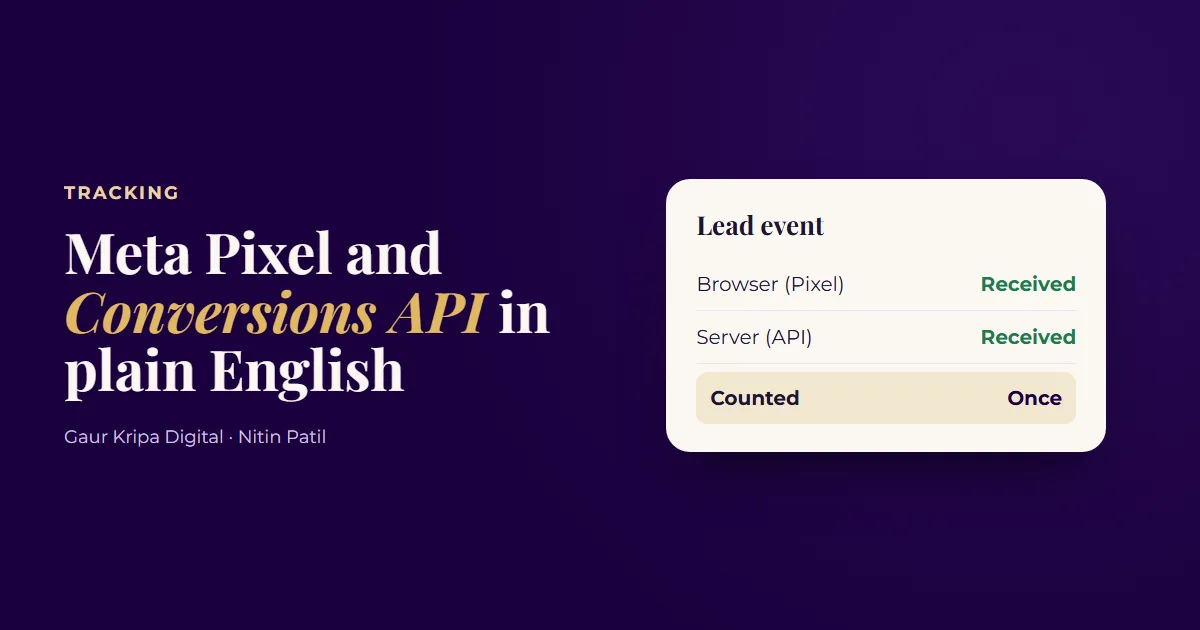 Meta Pixel and Conversions API in Plain English
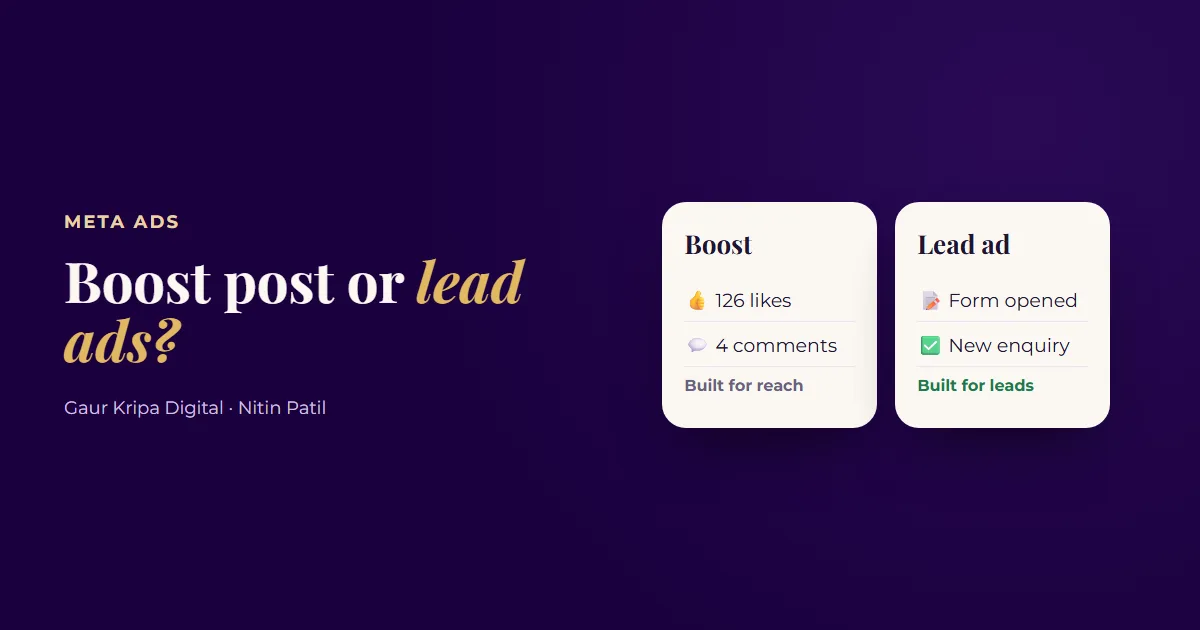 Boost Post vs. Lead Ads: Which One Brings Real Customers?
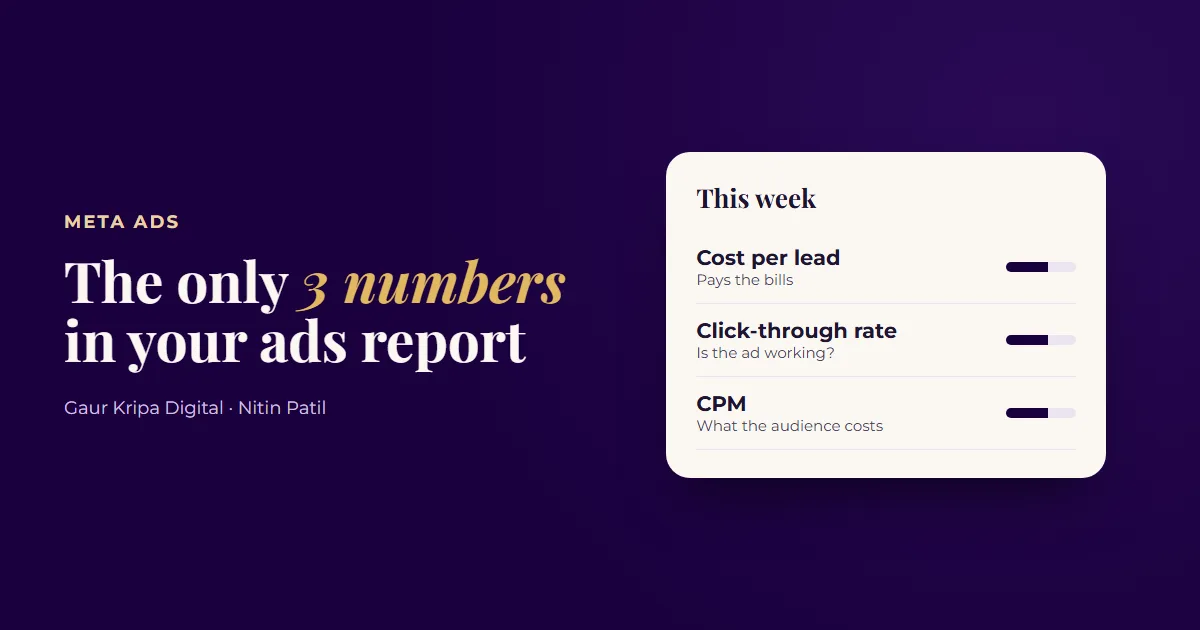 Your Meta Ads Report: The Only 3 Numbers That Matter