5 Negative Keywords Every Local Business Should Add in Google Ads
Some searches will never turn into customers, but Google still charges you for the click. Five negative keywords that block the most common waste for local service businesses, plus industry lists and the mistakes to avoid.

By Nitin Patil, founder of Gaur Kripa Digital
· 5 min read
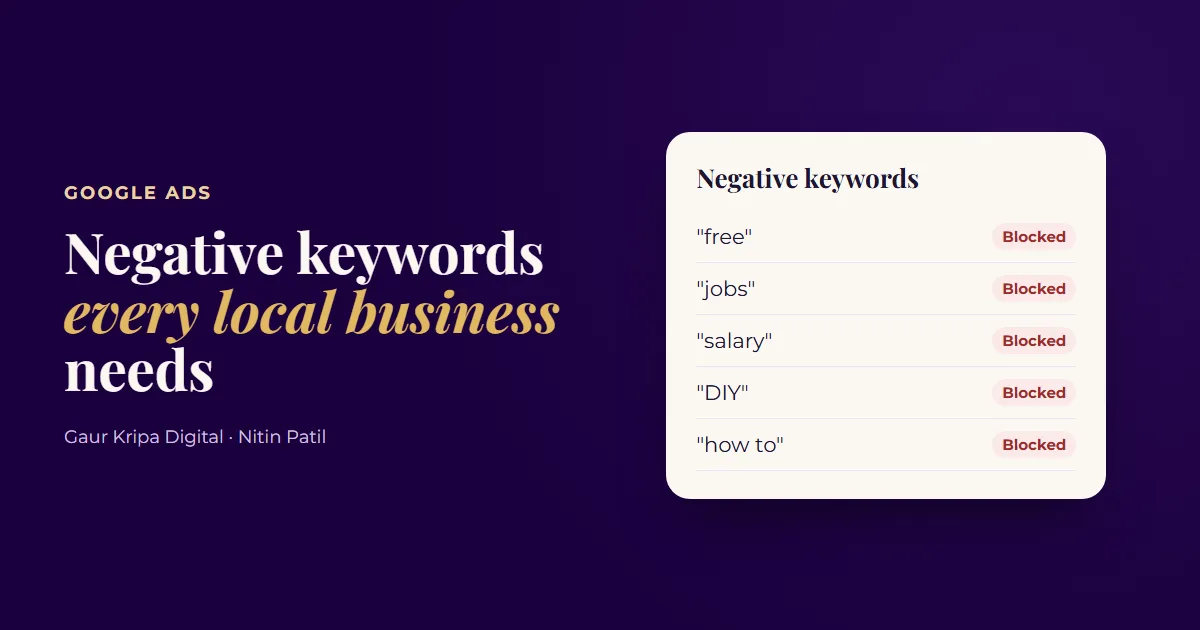
Imagine you run a plumbing company and pay $6 for every click on your Google ad. Someone searches "plumber jobs near me", sees your ad and clicks. They want a job, not a plumber. You just paid $6 for nothing.
That happens every day in small business ad accounts. The fix is a short list of negative keywords: words that tell Google "never show my ad when the search includes this".
Why Google shows your ad for the wrong searches
When you add a keyword like "emergency plumber", you're not telling Google to show your ad only for that exact search. With broad match and phrase match, Google also shows it for searches it thinks mean something similar. That's useful, because people type the same need in a hundred different ways. It also means your ad can show for searches that are related to your trade but have nothing to do with buying from you.
Job seekers, students, DIYers and people looking for free help all use the same words your customers use. Google can't always tell them apart, so it's your job to tell it. A negative keyword does exactly that.
What a negative keyword does
| Search | Without negatives | With negatives |
|---|---|---|
| emergency plumber near me | Your ad shows | Your ad shows |
| plumber jobs near me | Your ad shows | Blocked by "jobs" |
| plumber salary texas | Your ad shows | Blocked by "salary" |
| how to fix a leaking pipe | Your ad shows | Blocked by "how to" |
| free plumbing quote | Your ad shows | Blocked by "free" (see below) |
The five to add first
- free. People searching "free" usually want something without paying. One exception: if you offer free quotes or free estimates and want those searches, skip this one.
- jobs. Job seekers search for your trade plus "jobs", "job", "hiring" or "careers". Add all four.
- salary. Same story: people researching pay, not hiring you. Add "pay" and "wage" too if you see them in your search terms.
- DIY. These searchers want to do it themselves. They rarely call.
- how to. "How to unclog a drain" is someone looking for instructions. Great for a blog post, poor for a paid click.
Negatives don't work like normal keywords
This catches out a lot of people. Normal keywords match close variants: plurals, misspellings and small changes in wording. Negative keywords don't. If you add "job" as a negative, Google can still show your ad for "jobs". So add both forms, and any common misspelling you see in your search terms.
Negatives also have their own match types:
| Negative match type | How you enter it | What it blocks |
|---|---|---|
| Broad | jobs | Searches that contain all the words, in any order |
| Phrase | "plumber jobs" | Searches that contain the exact phrase, with other words around it |
| Exact | [plumber jobs] | Only that exact search, nothing more |
For single words like the five above, phrase match is the safe default. For longer phrases, phrase match blocks the idea without catching searches you want.
Negative keyword ideas by industry
The five above apply to almost everyone. Your industry will have its own list on top. Treat these as starting points and check each one against your services before adding it.
| Business | Words to consider blocking |
|---|---|
| Plumber or HVAC | parts, wholesale, supply, manual, training, school, apprenticeship |
| Roofer | shingles for sale, roofing materials, roof calculator, roofing jobs |
| Dentist | dental school, dental assistant, hygienist jobs, dental insurance companies |
| Law firm | free legal advice, paralegal, law school, forms, template |
| Cleaning company | cleaning supplies, cleaning products, recipe, homemade |
| Landscaper | plants for sale, nursery, landscaping ideas, landscaping design software |
Notice the pattern: people who want to buy a product, learn the trade, get hired, or do it themselves. None of them want to pay you for a service.
How to add them
- In Google Ads, open your campaign and find the negative keyword list. Depending on your account's layout it's under Keywords → Negative keywords or Audiences, keywords and content → Search keywords → Negative search keywords.
- Click the plus button and choose Add to campaign (or a shared negative keyword list if you run several campaigns).
- Enter each word in quotes, like
"jobs". The quotes make it phrase match, which blocks any search containing that word. - Save.
That's all. The change applies straight away.
Campaign, ad group or shared list?
- Campaign level is the right home for words you never want in that campaign, like "jobs" or "DIY".
- Ad group level is for steering traffic between your own ad groups. For example, block "commercial" in your residential ad group so those searches go to your commercial ad group instead.
- Shared negative keyword lists (under Tools → Shared library) let you build the list once and apply it to every campaign. If you run more than one campaign, this saves time and keeps things consistent.
Mistakes that cost you good leads
Negatives are powerful, which means they can do damage too.
- Blocking your own offer. If your ads say "free estimate", don't block "free". If you're the budget option in town, don't block "cheap" or "affordable".
- Conflicting negatives. If "emergency" is a negative and "emergency plumber" is one of your keywords, the negative wins and your keyword stops showing. Google Ads flags these conflicts in the Recommendations or keyword views, so read those alerts.
- Blocking whole cities by accident. Adding a town name you don't serve is smart. Just make sure it isn't also part of a neighborhood or street name you do serve.
- Adding one-off searches as exact negatives. A strange search that appears once isn't worth a negative. Look for words that keep coming back.
Then keep the list growing
These five are a starting point. Your own account will show you more. Once a week, open the Search terms report (under Insights and reports) and look at what people actually typed before clicking. Any search that could never become a customer goes on your negative list. Typical finds for local businesses:
- Other towns or states you don't serve
- Competitor brand names (unless you target them on purpose)
- Words like "training", "course", "school" or "certification"
- Product searches when you sell a service, like "parts" or "wholesale"
A simple weekly routine that takes about ten minutes:
- Open the search terms report for the last 7 days.
- Sort by cost, highest first.
- For each search, ask: "Could this person ever become a paying customer?"
- If the answer is no, add the unwanted word (not the whole search) as a phrase match negative.
- If the answer is yes and it converts, consider adding it as a keyword.
Ten minutes a week here often saves more money than any bid change. If you're not sure where your Google Ads budget is going, our Google Ads management starts with exactly this clean-up, and you might also like the four settings to turn off on day one.
Want someone to look at your search terms for you? The free ad account audit gives you the top 3 fixes for your account in writing.
Frequently asked questions
What is a negative keyword in Google Ads?
A word or phrase you tell Google not to show your ads for. If 'jobs' is a negative keyword, your ad won't show when someone searches 'plumber jobs near me'.
Should negative keywords be broad, phrase or exact match?
Phrase match is the safest default for single words like these. It blocks any search that contains the word, in that order, without blocking too much.
Do negative keywords block plurals and misspellings?
No. Unlike normal keywords, negatives don't match close variants. If you block 'job', add 'jobs' too, and any common misspelling you see in your search terms.
How often should I add negative keywords?
Check your search terms report once a week while a campaign is new, then every two weeks once it settles.
Can a negative keyword hurt my campaign?
Yes, if it blocks searches you actually want. Blocking 'free' when you offer free estimates, or a word that appears in your own keywords, cuts off good traffic. Google Ads warns you about conflicting negatives, so read those alerts.
 4 Google Business Profile Fixes for More Local Calls
 Meta Pixel and Conversions API in Plain English
 Boost Post vs. Lead Ads: Which One Brings Real Customers?